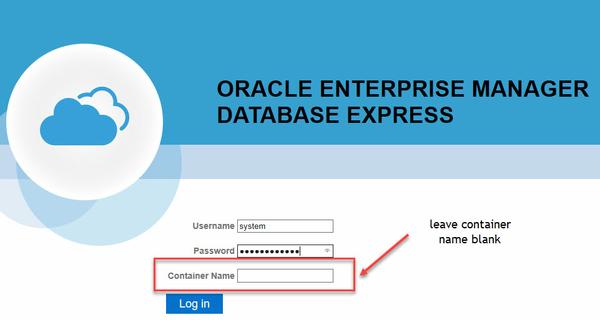
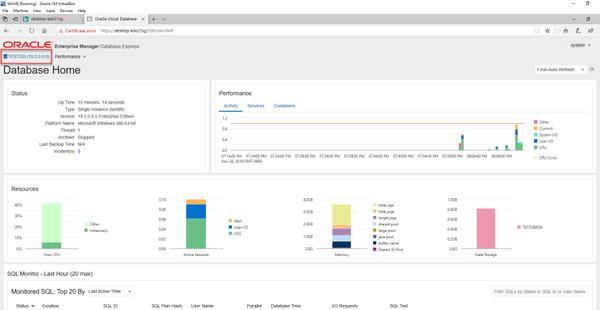
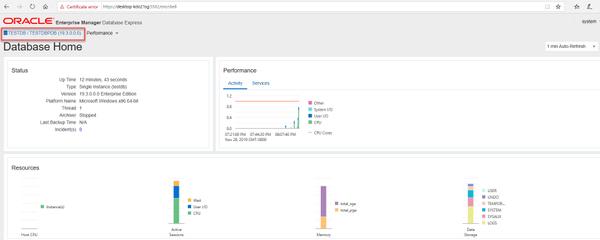
Do you see anything odd here? If not, keep on looking. First time I connected, I kept looking and looking to find the tabs for administration, to check for users, for tablespaces, etc. There was nothing to be found. I thought I must have done something wrong. Then luckily, looking through the documentation, I found that this is expected behavior.
Oracle is deprecating the Flash-based Enterprise Manager Express. Starting with 19c, the default management option is based on Java JET technology. With this new technology, you can only see the performance reporting functionality of Enterprise Manager. Oracle gives you the option of reverting back to the Flash-based technology, and back again to the Java Jet technology. That could be the subject of another post.
How do you connect to the PDB with EM Express?
In order to get EM Express to connect to the PDB, you must first configure the https port inside the PDB. First, check if an https port is configured fpr the PDB. As this is a new installation, there is no port configured.
SQL>alter session set container=testdbpdb;
SQL>select dbms_xdb_config.gethttpsport() from dual;
If the above command returns 0, then no https port is configured. If it returns a number, then that is the port number.
Second, configure the https port with the following command:
SQL>alter session set container=testdbpdb;

SQL>exec DBMS_XDB_CONFIG.SETHTTPSPORT(5502);
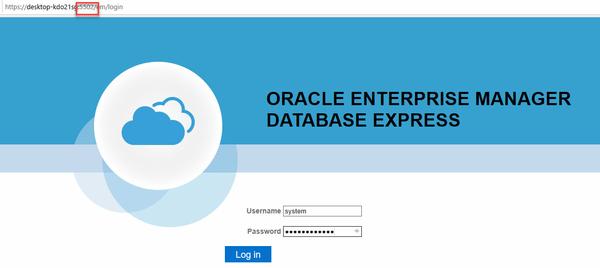
The URL to connect to the PDB’s EM Express is: https://hostname:5502/em